
SynchronIA · A Valoryn app
Prepare your items.
Publish to your stores.
Prepare product records, tailor your listings and manage publishing to your connected stores, all in one place.
SynchronIA is available on Android. Download the app on Google Play to get started.

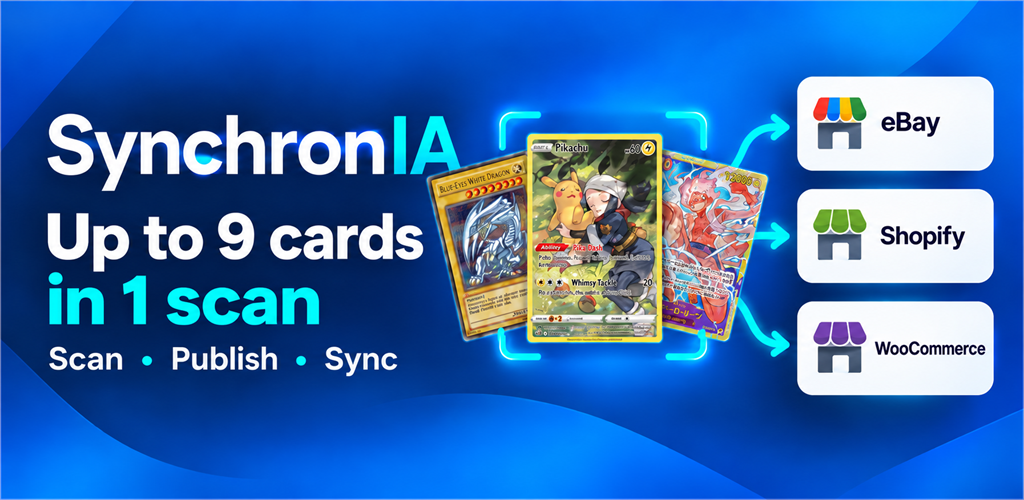
Your items. Your stores.
Available connections depend on your app version and the platforms’ permissions.
Inside the app
See SynchronIA in action.
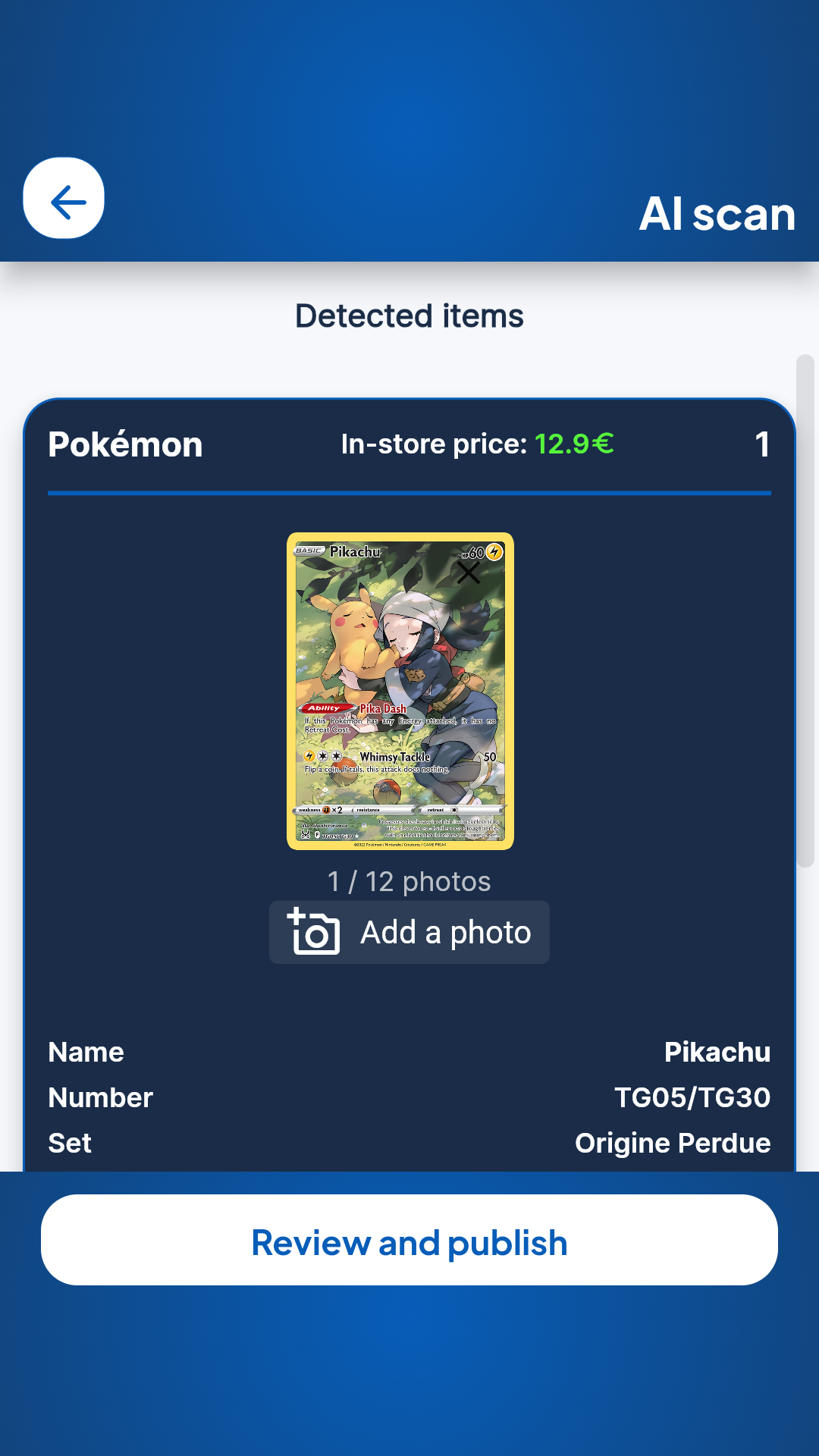
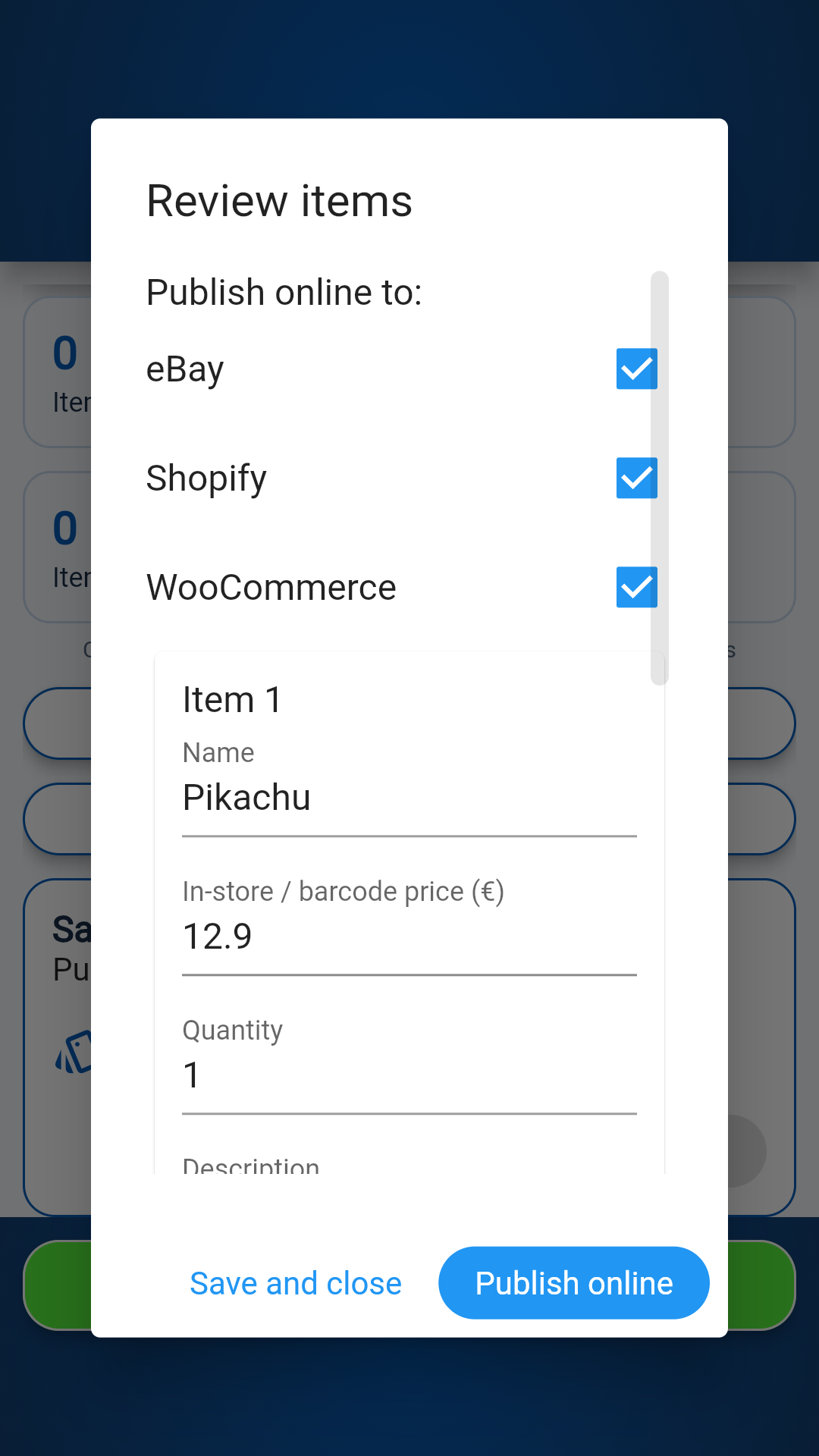
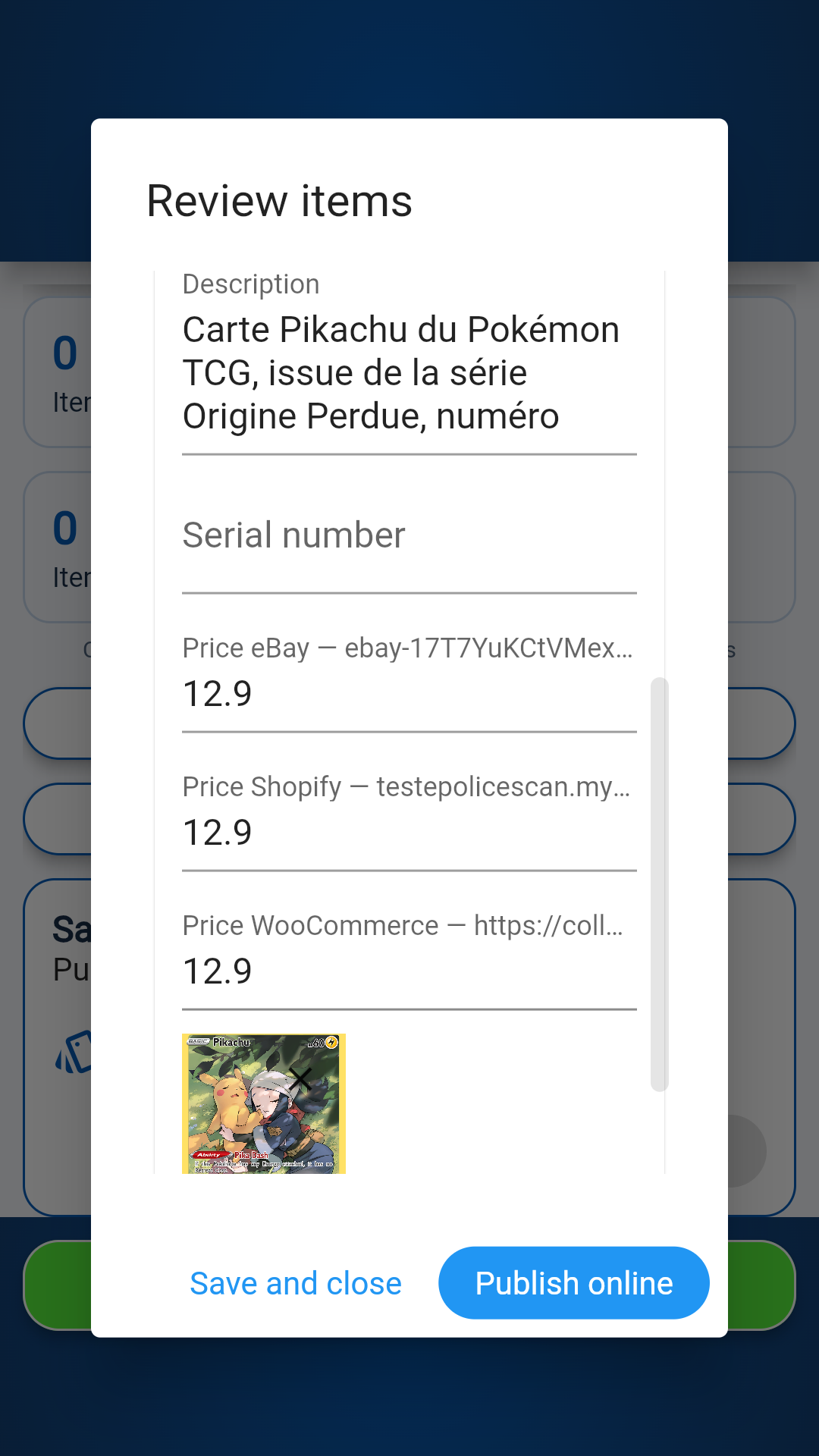
From scanning to publishing: explore the app screens. Select a screenshot to view it in full size.
Built for your business
From product details
to a live listing.
SynchronIA helps you prepare products and publish them to multiple stores. Available features and connections depend on your app version and plan.
Identify and prepare
Use scan-assisted identification to prepare a product record, then check and complete the details before publishing.
Create better listings
Keep the title, description, references and listing photos together in an organised product record.
Set store-specific prices
Set individual prices for your online stores, separate from your physical store price.
Publish to your stores
Select the destination platforms and review the content before confirming it goes live.
Track your quantities
Manage item quantities and the transmission of changes to connected platforms, depending on the functions available.
Stay in control
Check publishing results and any errors to see what has actually been sent to your stores.
A clear workflow
Prepare. Review. Publish.
Create your product record
Enter the item details, references, quantity and photos you want to use for the listing.
Choose your destinations
Check the information and prices of each store before confirming the selected platforms.
Check the results
Check listings, updates and error messages to stay in control of your publications.
Confirming publication can create a live listing. Synchronisation times and acceptance of data also depend on the connected platforms.
SynchronIA plans
Choose the monthly item allowance that suits your business. Review your plan terms in the app before subscribing.
Starter
200 items per month
Pro
450 items per month
Business
1 000 items per month
Business+
2 500 items per month
Subscription terms and the applicable total are shown before you confirm. Read the terms and conditions.
Your questions
Using SynchronIA.
Is SynchronIA available now?
Yes. SynchronIA is available on Android via Google Play. Select “Download now” to open the Google Play listing and install the app.
Which stores can I connect?
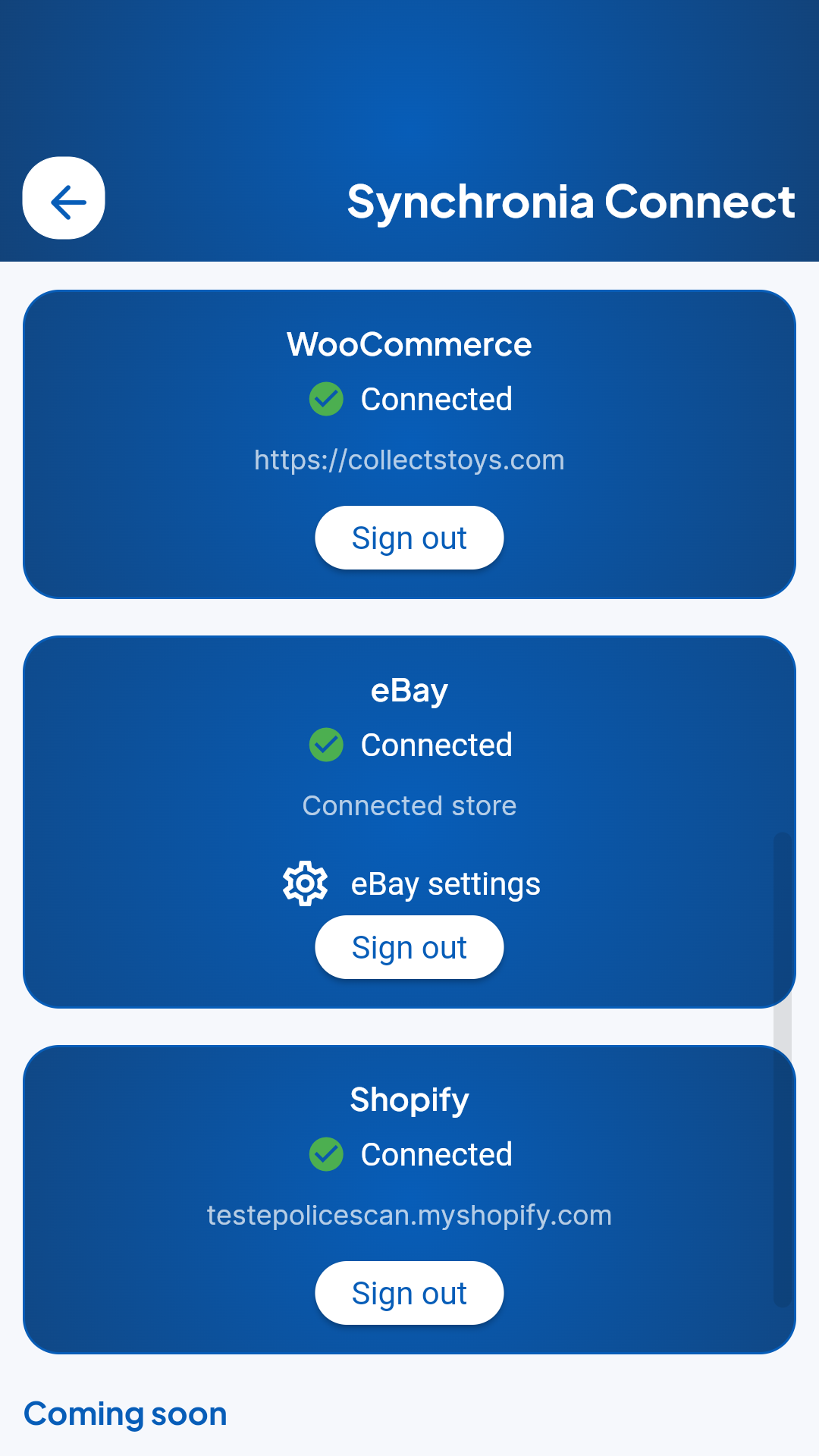
SynchronIA is designed for eBay, WooCommerce and Shopify stores. Check the app for the connections available in your version, included stores and any optional extras.
How are items counted?
Each new product record counts as one item, even if its quantity exceeds one or it is published to several stores. Editing that record or synchronising a sale does not use another item. If publishing fails, the record and its usage count are retained; resuming the same record does not count it twice.
How can I subscribe to a plan?
Download the app on Google Play, then view the offers available in the app. The conditions of the offer and the total amount applicable are presented before any subscription.
How does SynchronIA differ from PoliceScan?
PoliceScan supports the management of purchases, inventory and traceability information. SynchronIA focuses on preparing articles, publishing them and tracking them on connected stores. Discover PoliceScan.
SynchronIA is available on Android.
Have a question about the app or your business? Contact us.